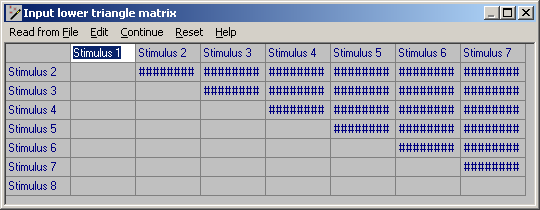
Note that, for most procedures, you can optionally enter your own column and row labels in the spreadsheet to assist in reading the subsequent results. For INDSCAL , PINDIS and PROCRUSTES, the top left hand cell of the spreadsheet is used to input an optional identifier for each configuration to be compared by these procedures.
You may click on Read from File to load values in the appropriate order from a free format plain text file, which may have been exported directly from another program, e.g. by WOMBATS as a secondary output file, or created by cutting and pasting from a file in another format. Alternatively, click on Edit to paste data direct from the Windows clipboard.
Click on Reset to clear the spreadsheet in case of error.
Click on Continue to close the spreadsheet window and create the corresponding input file.